SHARE
Create a React.js CSV Importer in Minutes

Fuse is a powerful embedded CSV importer that makes importation painless. Let’s create a React.js CSV importer!
Getting Started: Creating a Template
To begin, we must first register an account in the Fuse app here, after which we can go to the Templates page and build our first Template. A Template represents the fields that your own system accepts, also known as your data schema. We will call our Template “Customer List” as shown below:
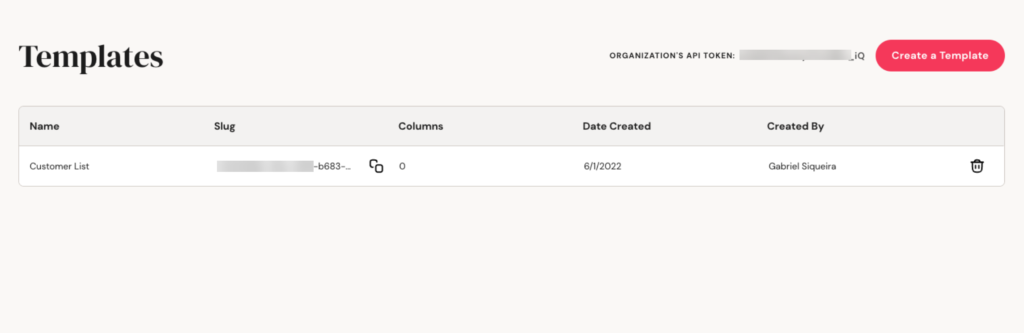
For the sake of this example, let’s add two columns to our Template, Customer Name, and Customer Email, as seen below:
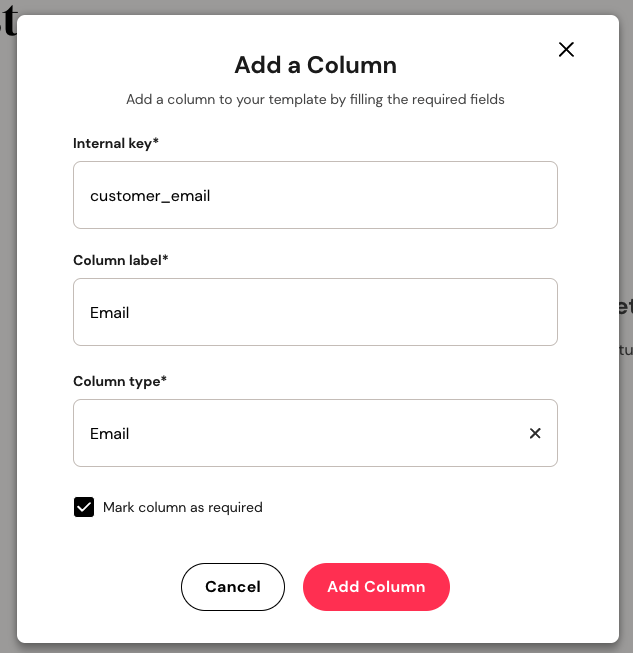
The “internal key” must be specified to match the column key in your data schema, column label is used to show in our spreadsheet and match the CSV header, and for column type, we can choose many different data types, and the required checkbox marks our column as required.
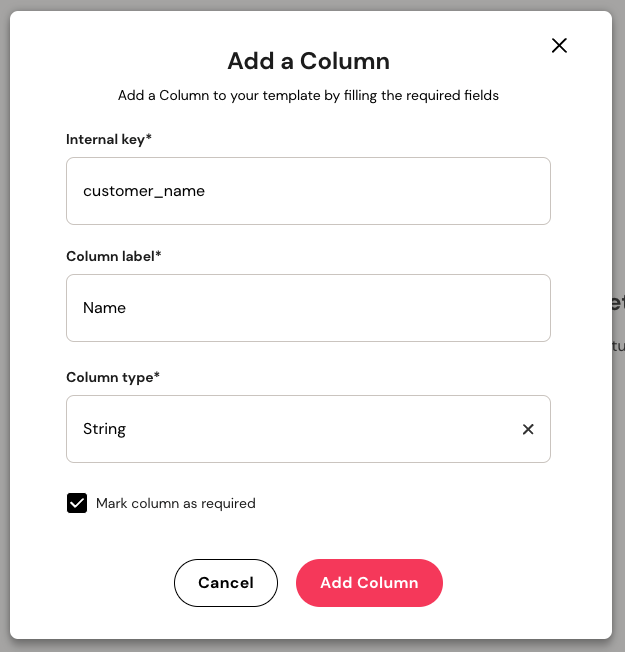
So, for our column “Customer Email”, we must use the “Email” data type. This will ensure that when your customers upload data, they upload valid emails. For “Customer Name”, we can just use “String” as a data type like below. Let’s mark both as required.
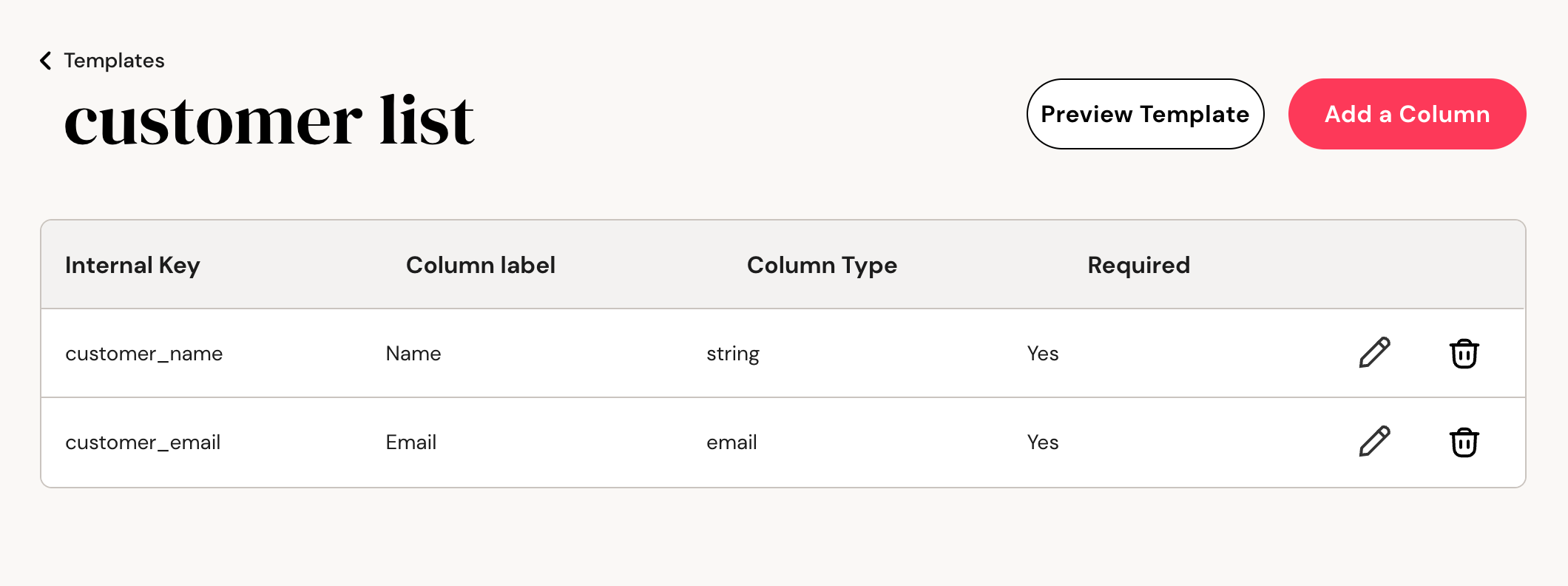
Now we’re ready to start coding. As you can see, it is very easy to create templates and columns on Fuse.
Installing the React CSV Importer: fuse-importer
To get started with any react project, we simply need to utilize our favorite package management tool to add the fuse-importer requirement.
Professional CSV Import Solution
Get the CEO's Take
Handpicked tech insights and trends from our CEO.